Silent Mode and Focus Mode Alarm Checks with Mezame
Mezame Alarm is an iPhone, iPad, and Android alarm app for people who want more than a default bell. This guide explains how to reduce anxiety by checking volume, notification state, and backups, using custom sounds, spoken cues, sleep mode, and simple alarm checks where they fit.

Quick setup
- 1Create or choose the sound you want to use.
- 2Assign it to one alarm and test it before relying on it.
- 3Add a backup alarm or sleep-mode cue only if it solves a real problem.
Separate the possible causes
If you want to reduce anxiety by checking volume, notification state, and backups, check one thing at a time: alarm time, weekday repeat, sound choice, app volume, iPhone volume, and vibration.
Changing everything at once makes it harder to know what fixed the problem. A short check before bed is usually more practical.
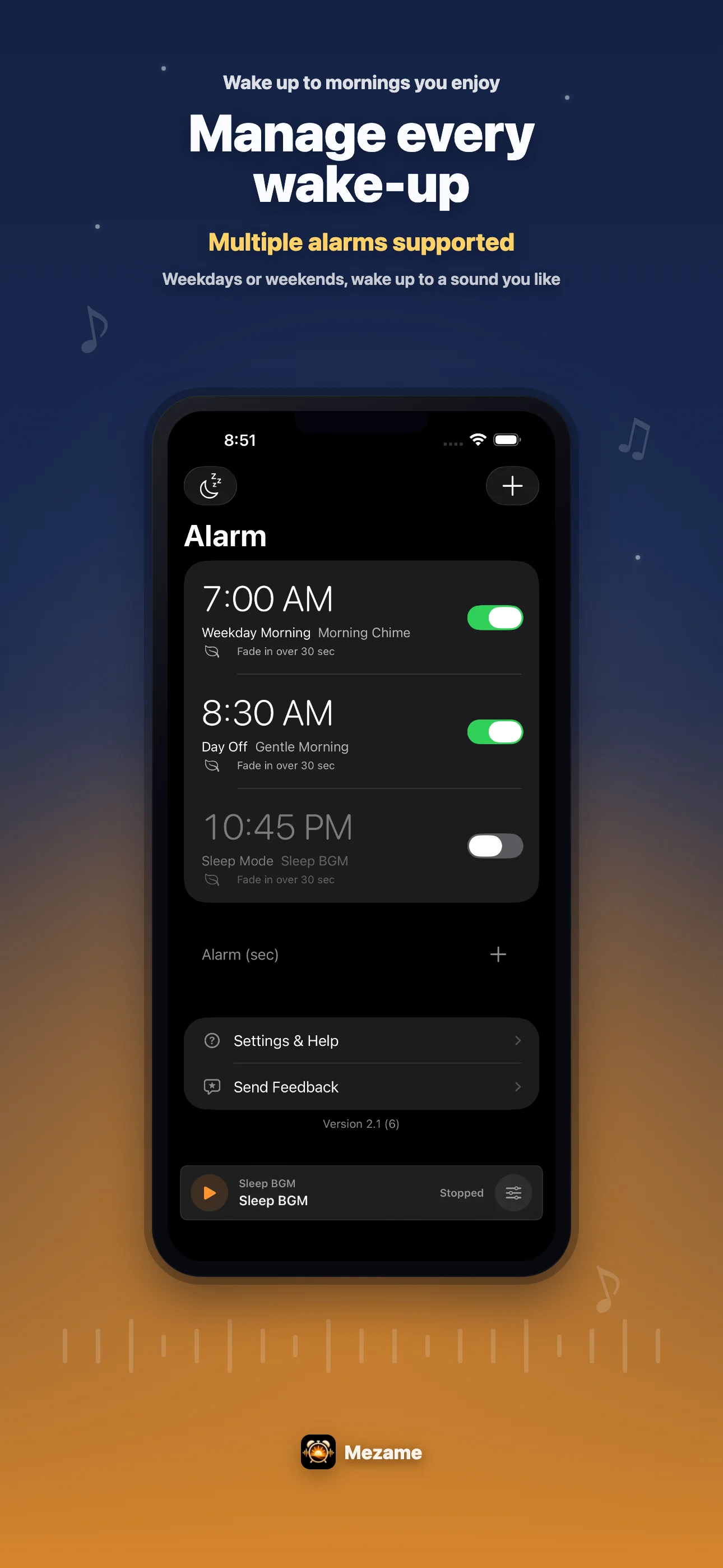
Test the sound before the morning
Video audio, recordings, text-to-speech, and audio files can all sound different at the same volume. Play the sound once from My Sounds and listen to the first few seconds.
If the beginning is too quiet, choose a clearer sound, shorten the recording, or add a spoken reminder that tells you what to do next.
Use a backup for important days
For exams, trips, early meetings, or anything you cannot miss, use more than one cue. A main Mezame alarm plus a later backup can reduce anxiety.
You can also keep a backup in the iPhone Clock app when the day is especially important.
Try Mezame
Mezame Alarm is an iPhone, iPad, and Android alarm app that can use favorite songs, video audio, recordings, and spoken messages as alarm sounds.