When an iPhone Alarm Stops or Rings Unexpectedly: What to Check
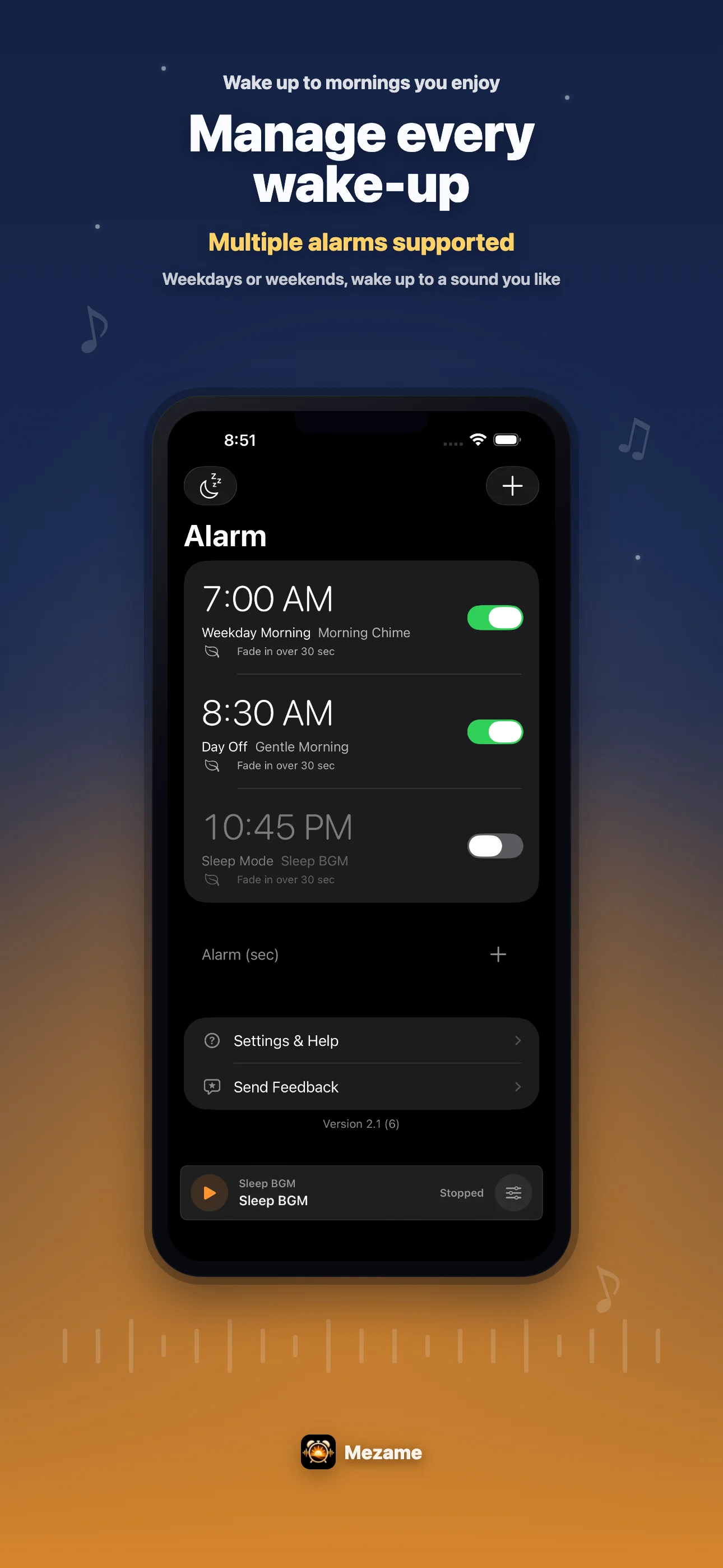
Mezame Alarm is an iPhone, iPad, and Android alarm app for people who want more than a default bell. This guide explains how to reduce confusion by reviewing old alarms, repeats, snooze, and sound, using custom sounds, spoken cues, sleep mode, and simple alarm checks where they fit.

Quick setup
- 1Create or choose the sound you want to use.
- 2Assign it to one alarm and test it before relying on it.
- 3Add a backup alarm or sleep-mode cue only if it solves a real problem.
Separate the possible causes
If you want to reduce confusion by reviewing old alarms, repeats, snooze, and sound, check one thing at a time: alarm time, weekday repeat, sound choice, app volume, iPhone volume, and vibration.
Changing everything at once makes it harder to know what fixed the problem. A short check before bed is usually more practical.
Test the sound before the morning
Video audio, recordings, text-to-speech, and audio files can all sound different at the same volume. Play the sound once from My Sounds and listen to the first few seconds.
If the beginning is too quiet, choose a clearer sound, shorten the recording, or add a spoken reminder that tells you what to do next.
Use a backup for important days
For exams, trips, early meetings, or anything you cannot miss, use more than one cue. A main Mezame alarm plus a later backup can reduce anxiety.
You can also keep a backup in the iPhone Clock app when the day is especially important.
FAQ
iPhoneのアラームが勝手に止まる原因は何ですか?
寝ぼけて停止した、スヌーズ後の音に気づかなかった、音量が小さかった、イヤホンやBluetooth接続の影響で聞こえ方が変わった、曜日や繰り返し設定を勘違いしていたなど複数の可能性があります。
止めた記憶がない時はどうすればいいですか?
まず不要なアラームを減らし、時刻、曜日、スヌーズ、サウンド、音量を前夜に確認します。心配な日は数分後に別の音で鳴る保険アラームを作ると、無意識に止めた時の不安を減らしやすくなります。
設定していないのにアラームが鳴る時はどこを見ますか?
過去に作ったアラーム、曜日指定、繰り返し、睡眠スケジュール、別アプリの通知やリマインダーを確認します。使わないアラームを削除しておくと、朝に鳴る理由を把握しやすくなります。
Try Mezame
Mezame Alarm is an iPhone, iPad, and Android alarm app that can use favorite songs, video audio, recordings, and spoken messages as alarm sounds.