Create alarm sounds from videos
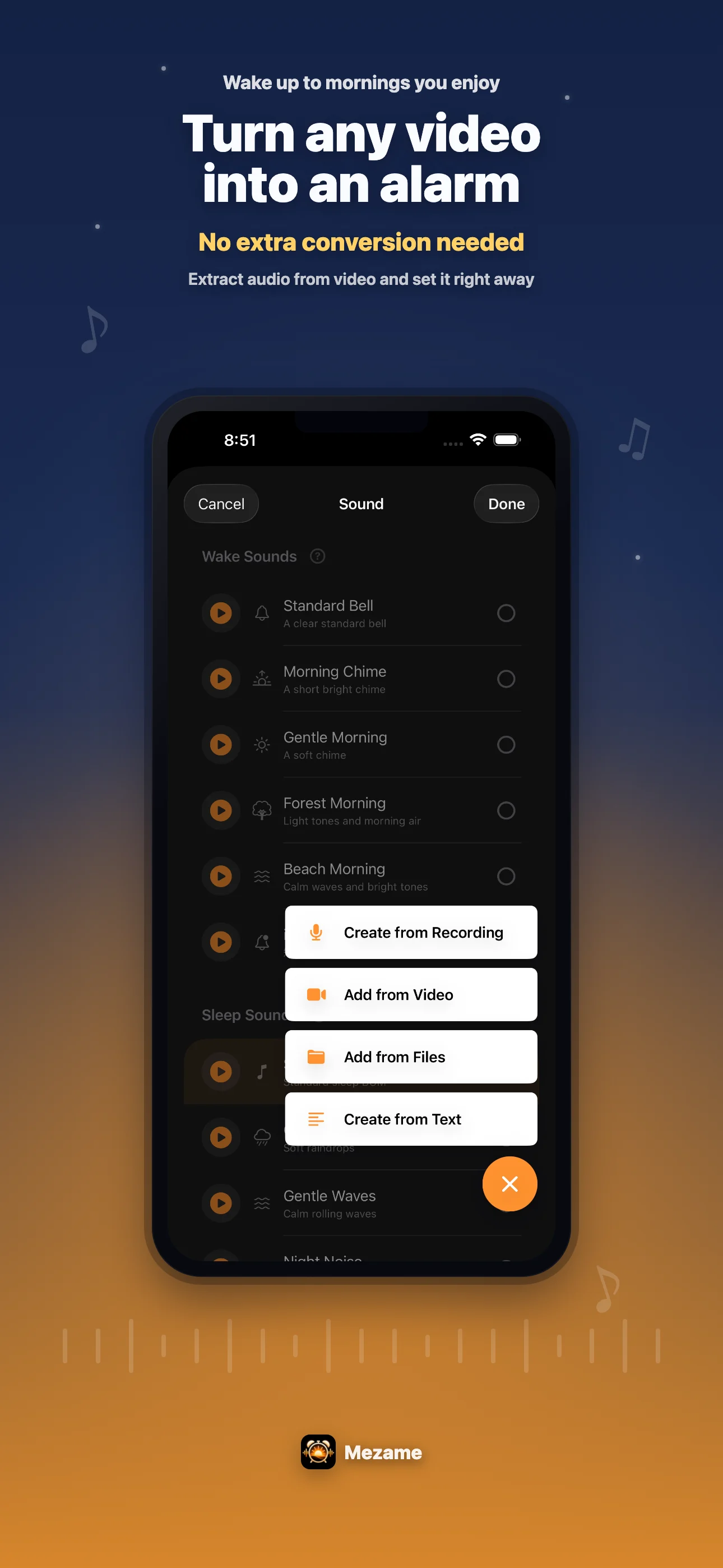
Extract audio from a favorite video, save it to My Sounds, and use it as your morning alarm.
Wake up with sounds you actually want to hear
Video audio, recorded voices, spoken reminders, and calming sleep sounds. Mezame brings your wake-up sound and bedtime routine into one alarm app.
GROWING
Installs and ratings are not impressive yet, and there are no comments to brag about. That makes every review useful. If Mezame helps your morning, your feedback can go straight into the next improvements.
WAKE UP
Mezame includes original wake-up music that gradually builds in tempo. You can also use sounds you create yourself.
Extract audio from a favorite video, save it to My Sounds, and use it as your morning alarm.
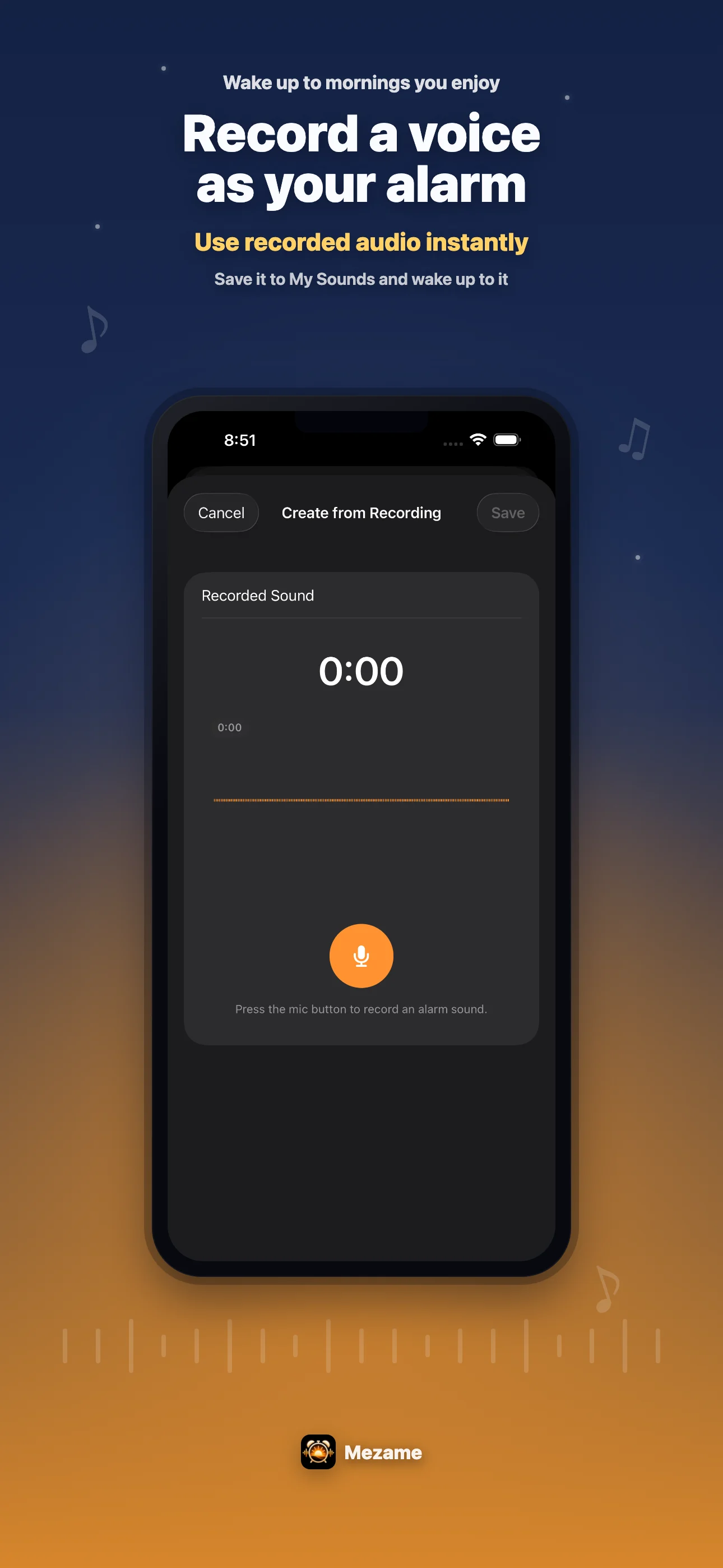
Record your own voice, a family voice, or a short message. A meaningful sound can be easier to notice than another default tone.
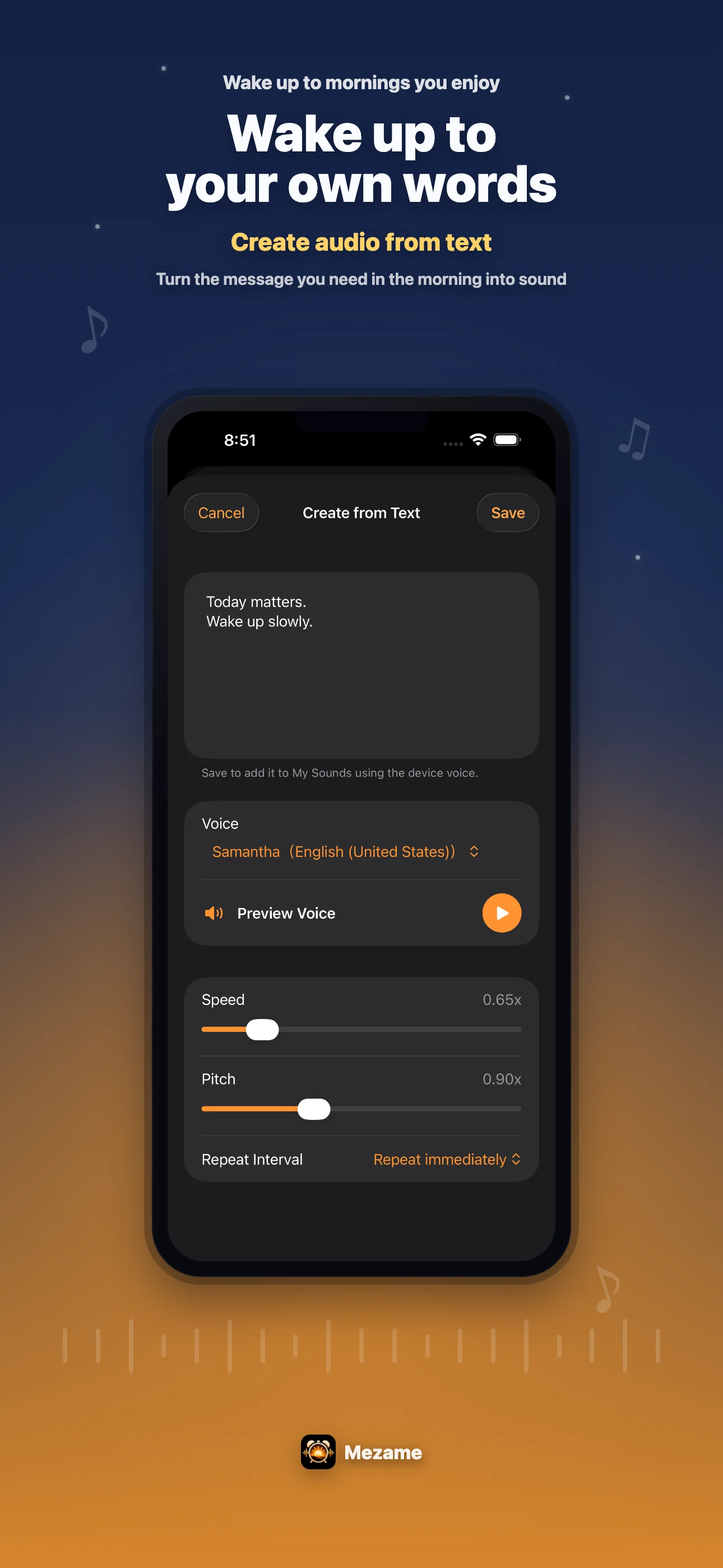
Write the reason you need to wake up, tomorrow's first task, or a short reminder, then use it as a spoken alarm message.
SLEEP MODE
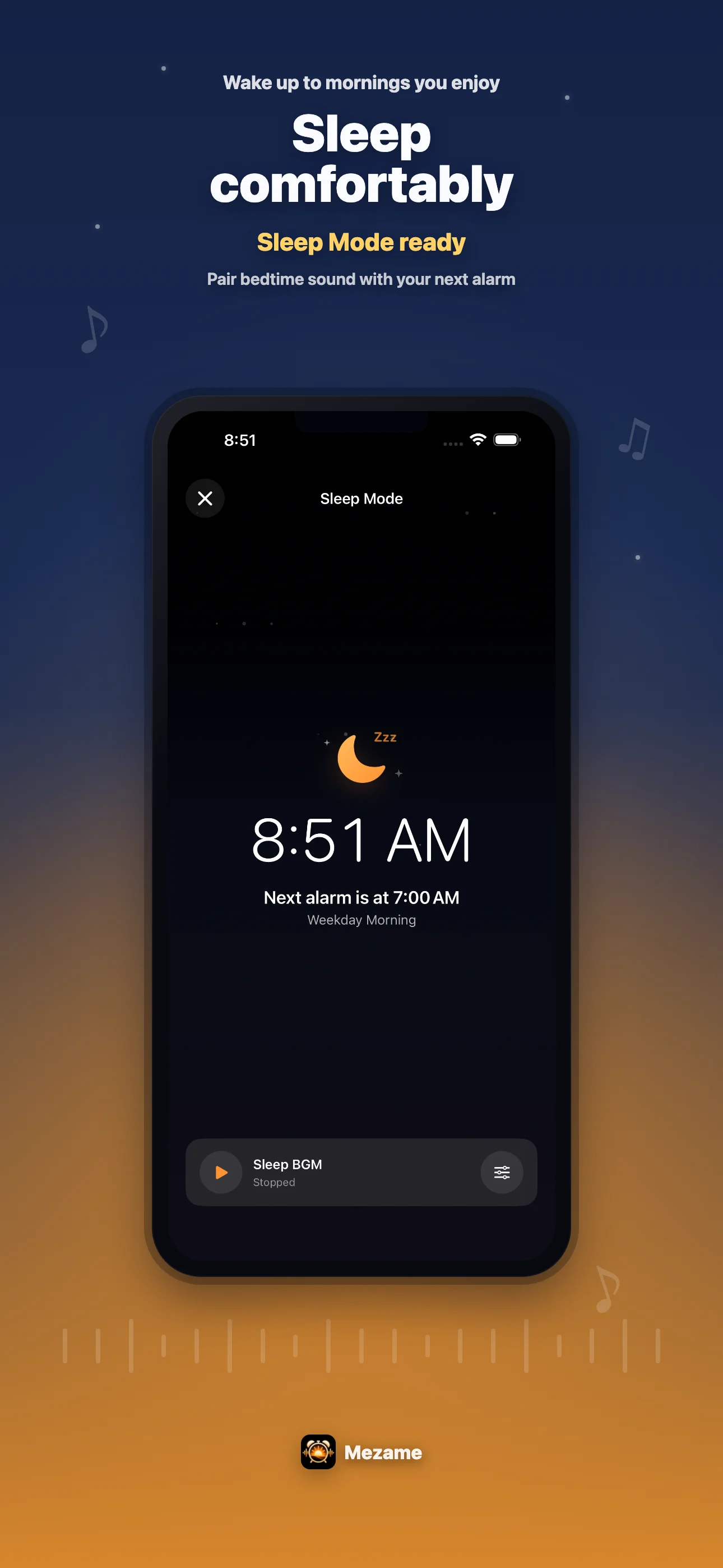
Sleep mode pairs calming audio with a restrained dark interface. Use it before bed, while reading, during a break, or whenever you want a quiet sound screen.
MANAGE
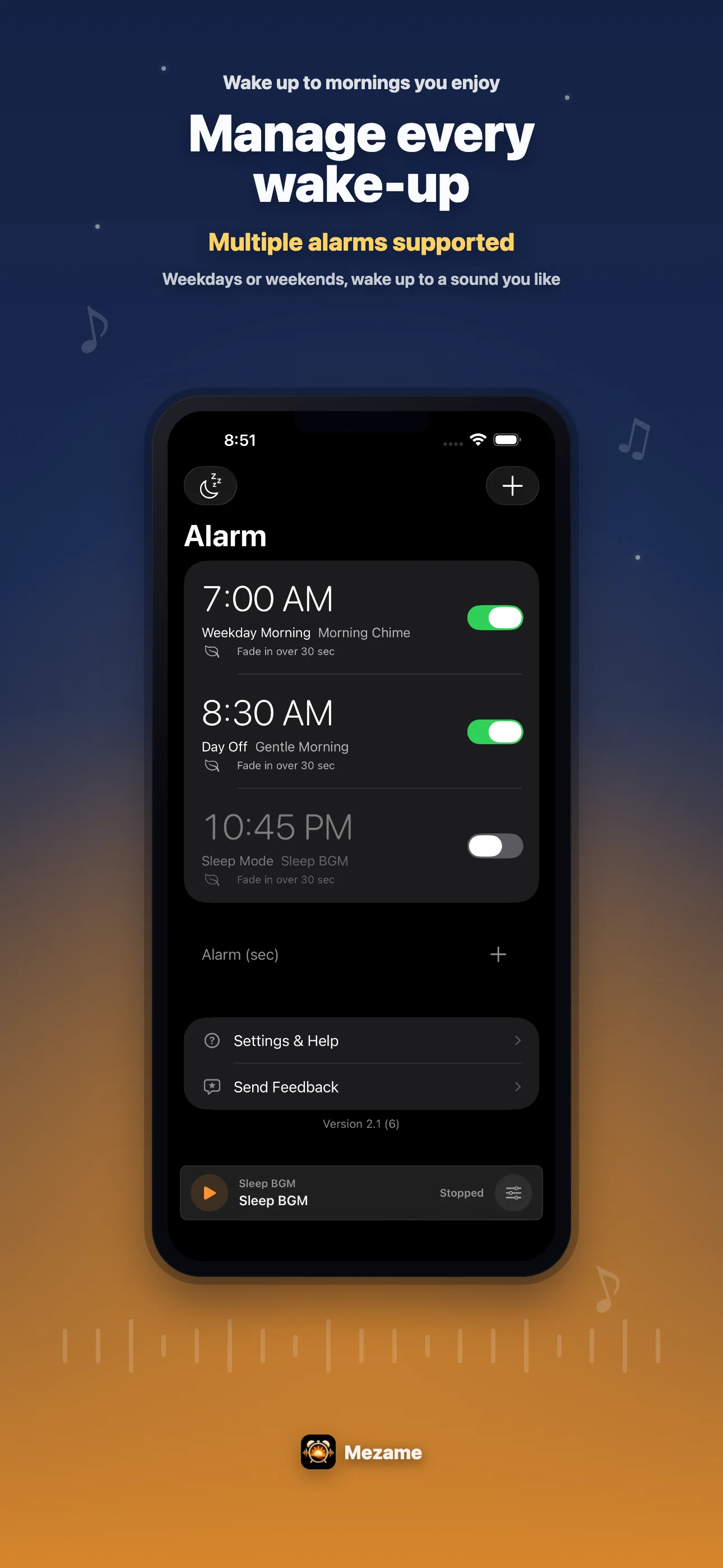
Check multiple alarms at a glance and move into the settings you need. The dark, low-color UI is designed for nighttime alarm checks.
GUIDES
Learn how to use favorite songs, video audio, and alarm settings for a better morning routine.
Learn how to add songs, saved audio, and personal sounds to My Sounds and use them as alarms.
Create a sound from video audio and assign it to your alarm.
Combine snooze settings, volume fade-in, and favorite sounds into a more reliable morning flow.
FAQ
Mezame Alarm lets you set custom sounds, audio extracted from videos, recorded voices, and spoken messages as alarm sounds. The iPhone, iPad, and Android versions are available now.
Yes. The Android version is available now on Google Play.
Yes. You can extract audio from a video, save it to My Sounds, and select it as an alarm sound.
Yes. Sleep mode lets you play healing music or your own sounds with a dark screen before bed.
For questions, bug reports, or feedback, please visit the Mezame Alarm support page.
Mezame Alarm is available on the App Store for iPhone and iPad, and on Google Play for Android.