What Heartbeat Rhythm Does in Mezame Sleep Mode
Mezame Alarm is an iPhone, iPad, and Android alarm app for people who want more than a default bell. This guide explains how to use a steady two-beat rhythm before sleep, using custom sounds, spoken cues, sleep mode, and simple alarm checks where they fit.

Quick setup
- 1Create or choose the sound you want to use.
- 2Assign it to one alarm and test it before relying on it.
- 3Add a backup alarm or sleep-mode cue only if it solves a real problem.
Start from the bedtime situation
This guide focuses on how to use a steady two-beat rhythm before sleep. The goal is not to add more settings, but to make the moment before sleep easier to repeat.
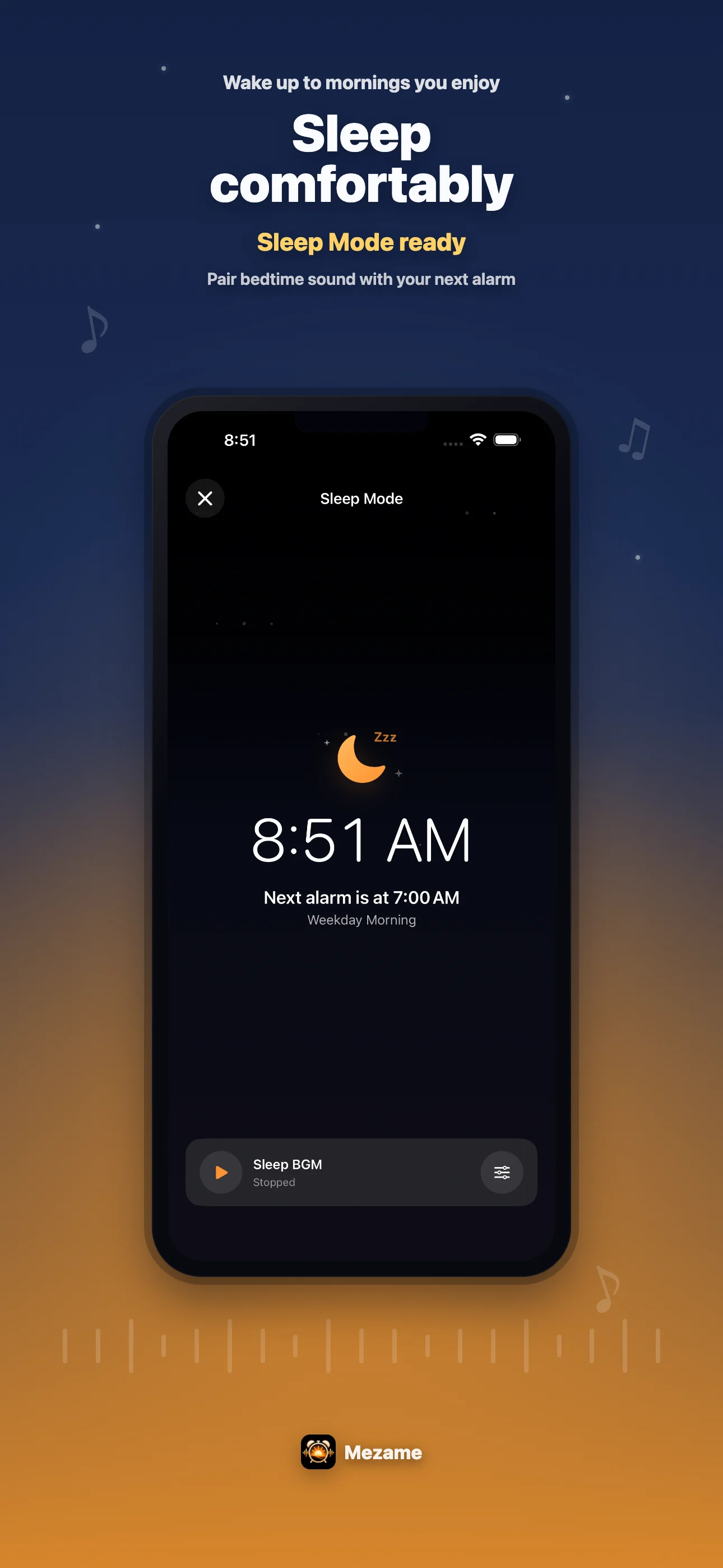
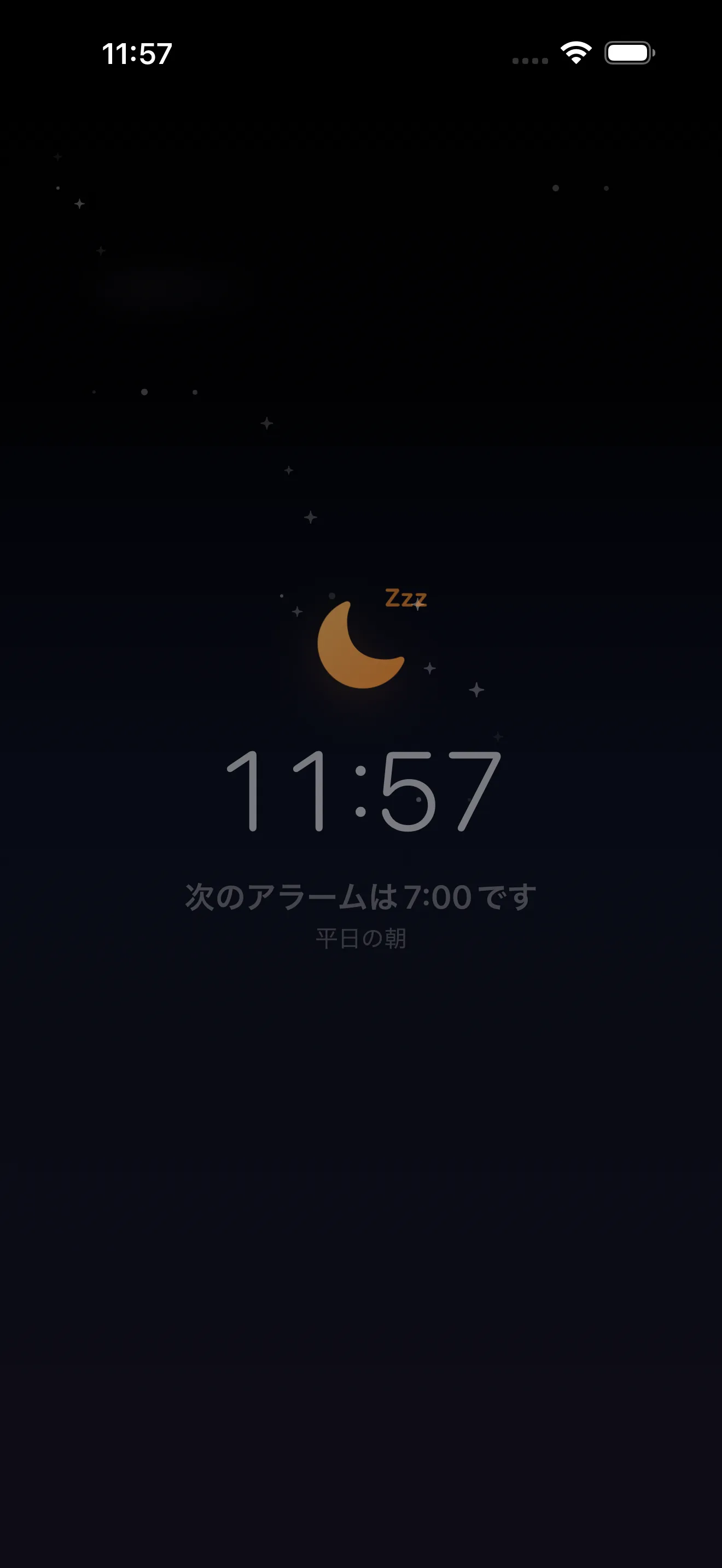
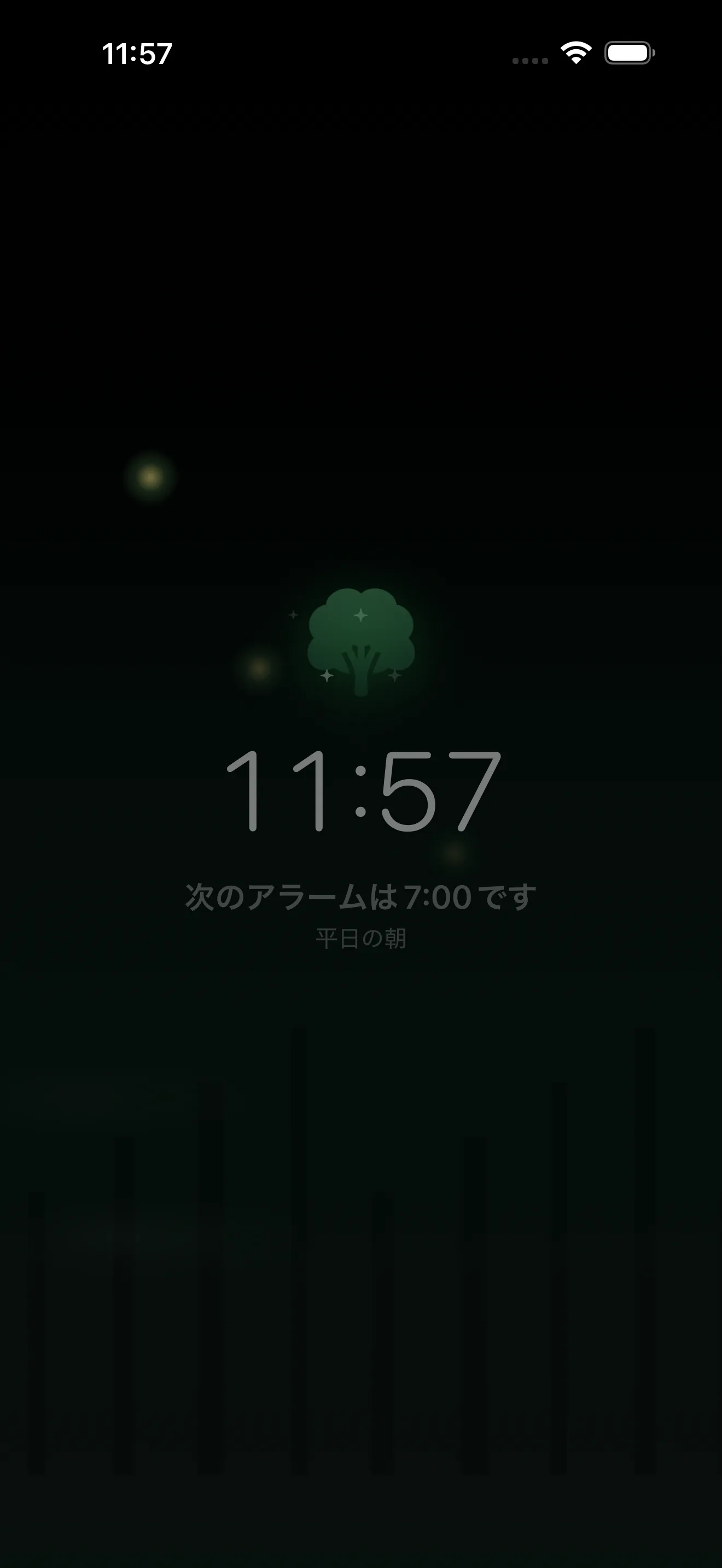
Open Sleep Mode from the moon icon, choose a calm screen, and decide which sound should play while you wind down.



Use sound as a cue
Mezame includes original soothing healing music for Sleep Mode. You can also choose your own My Sounds if a personal sound helps you settle down.
When the same sound starts every night, it can become a quiet cue that screen time is ending and the room is shifting toward rest.
Keep the setup simple
Before bed, a short routine is easier to keep than a complex one. Choose the sleep screen, choose the sound, and check tomorrow's alarm only once.
If you do not want audio to continue all night, use the setting that fades out the sound after a period of no operation or movement.
Try Mezame
Mezame Alarm is an iPhone, iPad, and Android alarm app that can use favorite songs, video audio, recordings, and spoken messages as alarm sounds.