How to Choose an Alarm App: Five Mezame Checks
Mezame Alarm is an iPhone, iPad, and Android alarm app for people who want more than a default bell. This guide explains how to compare wake-up style, sound options, volume, bedtime use, and design, using custom sounds, spoken cues, sleep mode, and simple alarm checks where they fit.

Quick setup
- 1Create or choose the sound you want to use.
- 2Assign it to one alarm and test it before relying on it.
- 3Add a backup alarm or sleep-mode cue only if it solves a real problem.
Think about the real job of the alarm
This article looks at how to compare wake-up style, sound options, volume, bedtime use, and design. The question is not only whether an app rings at the right time, but whether it supports the morning you actually want.
For some people, the standard Clock app is enough. For others, custom sounds, spoken cues, and bedtime tools make the wake-up flow easier to manage.
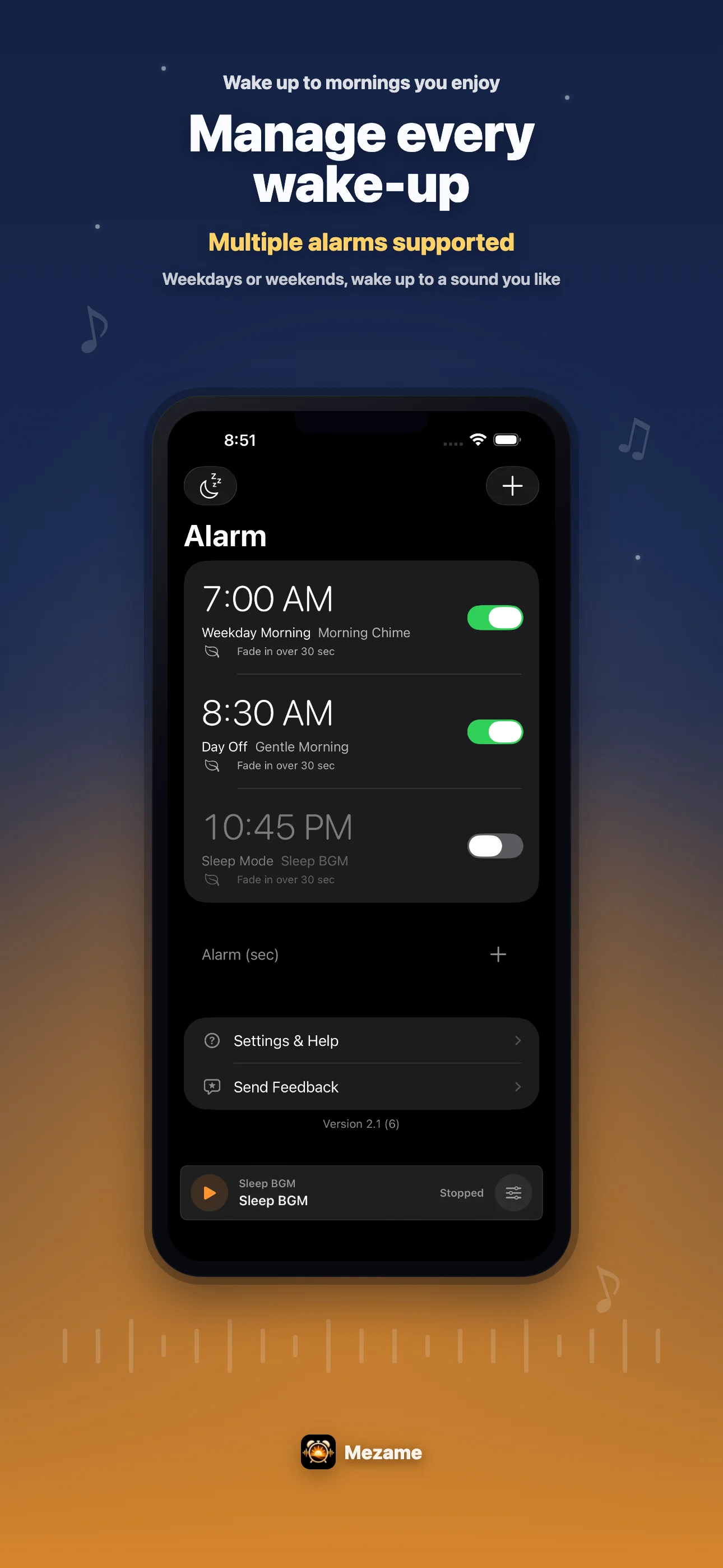
Where Mezame is different
Mezame lets you create My Sounds from video audio, recordings, text-to-speech, and audio files. Those sounds can be assigned to different alarms for different purposes.
It also includes Sleep Mode, dark screens, soothing audio, Heartbeat Rhythm, Wake with Light, and settings for sound fade-out after you fall asleep.
Choose based on your morning pattern
If one simple alarm already works, keep things simple. If you get used to one sound, need different cues for different days, or want a bedtime routine, Mezame is worth trying.
Start with one alarm and one sound. Once it works, add backup alarms or sleep settings only where they solve a real problem.
Try Mezame
Mezame Alarm is an iPhone, iPad, and Android alarm app that can use favorite songs, video audio, recordings, and spoken messages as alarm sounds.