Morning Housework Reminder Alarms with Mezame
Mezame Alarm is an iPhone, iPad, and Android alarm app for people who want more than a default bell. This guide explains how to create cues for laundry, tidying, and leaving home, using custom sounds, spoken cues, sleep mode, and simple alarm checks where they fit.

Quick setup
- 1Create or choose the sound you want to use.
- 2Assign it to one alarm and test it before relying on it.
- 3Add a backup alarm or sleep-mode cue only if it solves a real problem.
Turn the alarm into the start of an action
Use Mezame when you want to create cues for laundry, tidying, and leaving home. A useful alarm should tell you what happens next, not only that a time has arrived.
Name the alarm after the action, choose a sound that matches the situation, and set the timing from the real deadline backward.
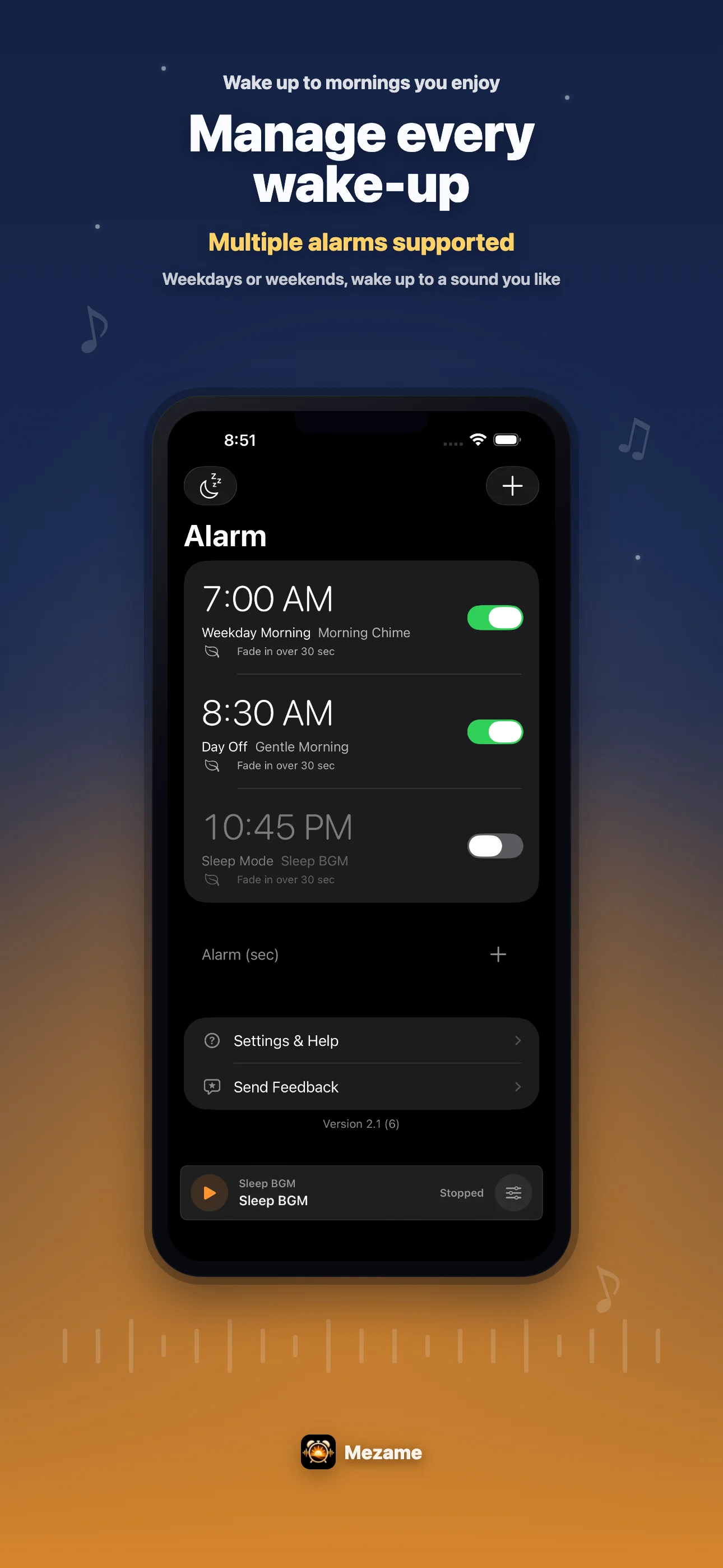
Use more than one cue when needed
One alarm can wake you up, but a second alarm can move you to the next step. For example, one cue can start the morning and another can remind you to leave.
Text-to-speech is useful when the action matters: open the textbook, take medicine, check your bag, or start the meeting setup.
Review the flow before bed
The best time to fix an alarm is the night before. Check the time, repeat days, sound, and snooze while you are still awake enough to notice mistakes.
If the day is important, add a backup alarm with a different sound so you are not relying on a single cue.
Try Mezame
Mezame Alarm is an iPhone, iPad, and Android alarm app that can use favorite songs, video audio, recordings, and spoken messages as alarm sounds.